Direct To Holographic Card Colorful UV Printing Machine
Have you ever wanted to customize your holographic cards to make them stand out from the crowd?
Do you want customization but feel you can’t meet your production requirements?
— Yes, one set UV printer can meet your small-batch custom holographic card printing needs!
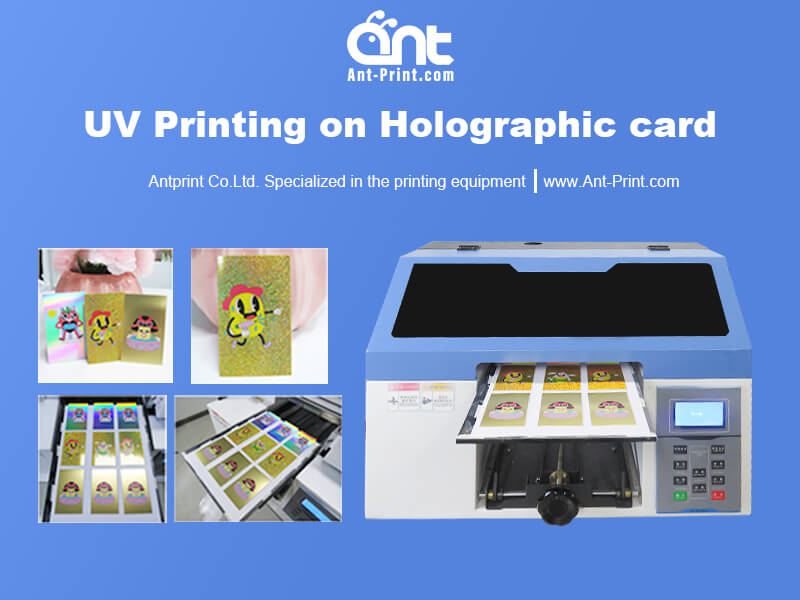
About the Holographic Card UV Flatbed Printer
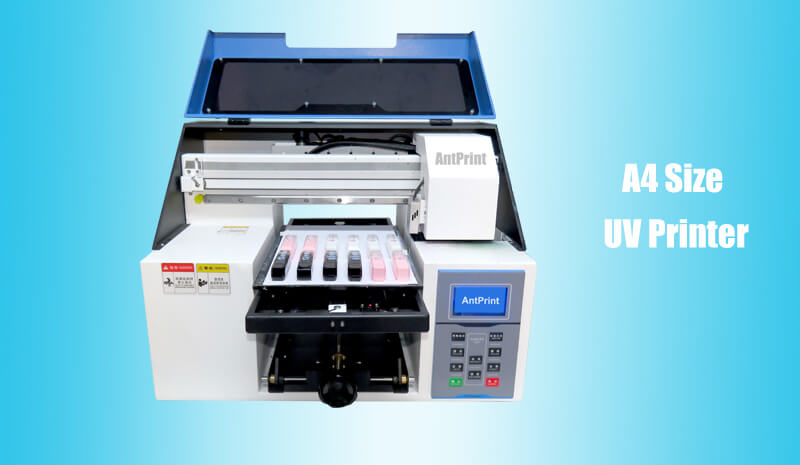
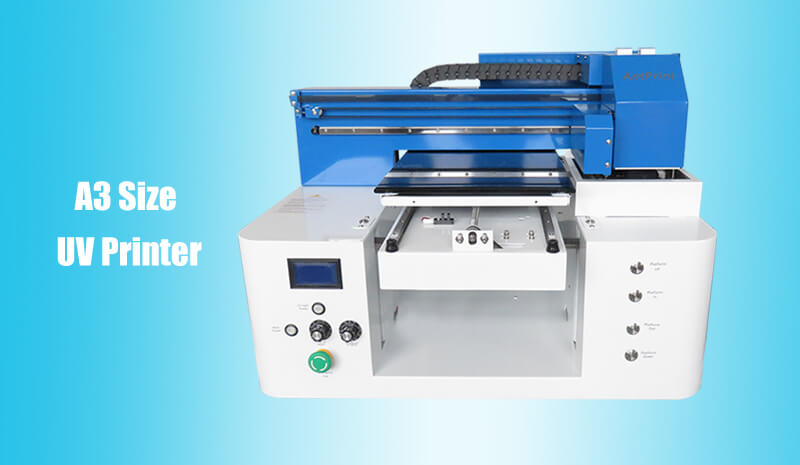
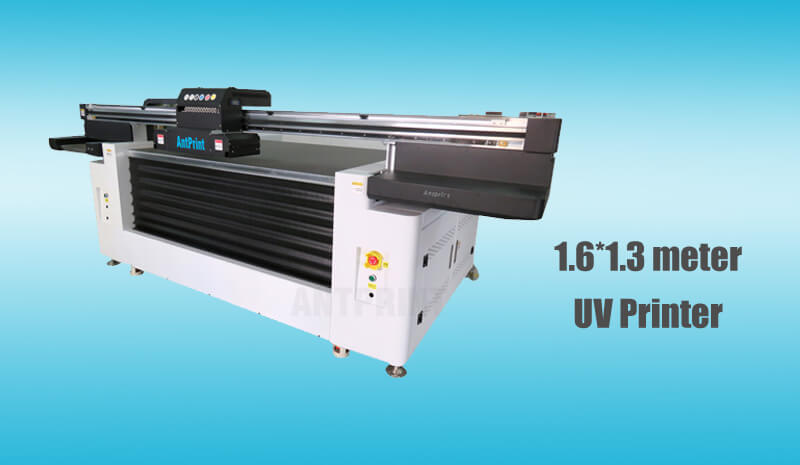
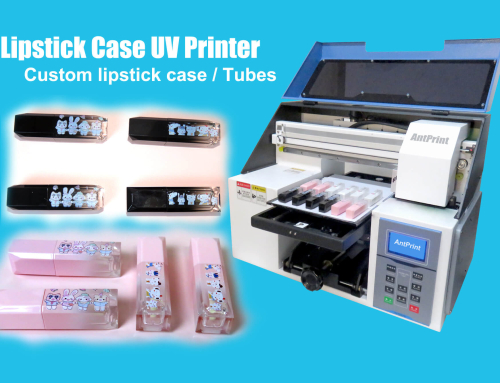
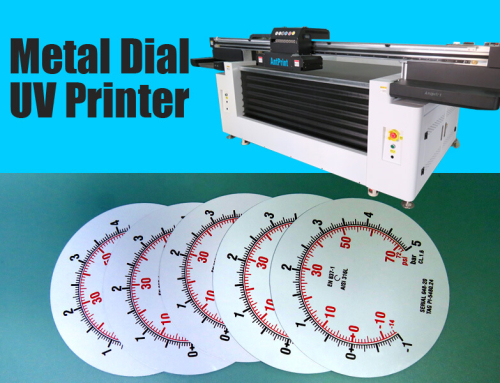
UV Printer is a kind of multifunctional inkjet printer that can print on the holographic cards directly.
- Holographic + Color Printing Overlay for Strong Visual Impact: Precisely print color graphics, logos, or gradient effects on top of the holographic pattern, giving cards a holographic three-dimensional and dynamic feel, along with rich color gradations for a more refined and premium appearance.
- High Customization with Controllable Costs for Small Batch Production: UV printing eliminates the need for plate making and can be directly output from digital files. This allows for rapid implementation of personalized designs (e.g., unique information or images for each card) and efficient production for small batches, avoiding the high costs and long lead times of traditional plate making.
- Wide Range of Applicable Materials and Compatibility: Printing is possible not only on common holographic substrates like PVC and PET, but also on specialized materials like metal foil and synthetic paper. Direct printing eliminates the need for pre-treatment, streamlining the production process.
- Fast Curing and Strong Adhesion:UV ink cures instantly via ultraviolet light, ensuring a tight bond between the printed layer and the holographic substrate, making it less susceptible to peeling and scratching, and maintaining its appearance even after long-term use.
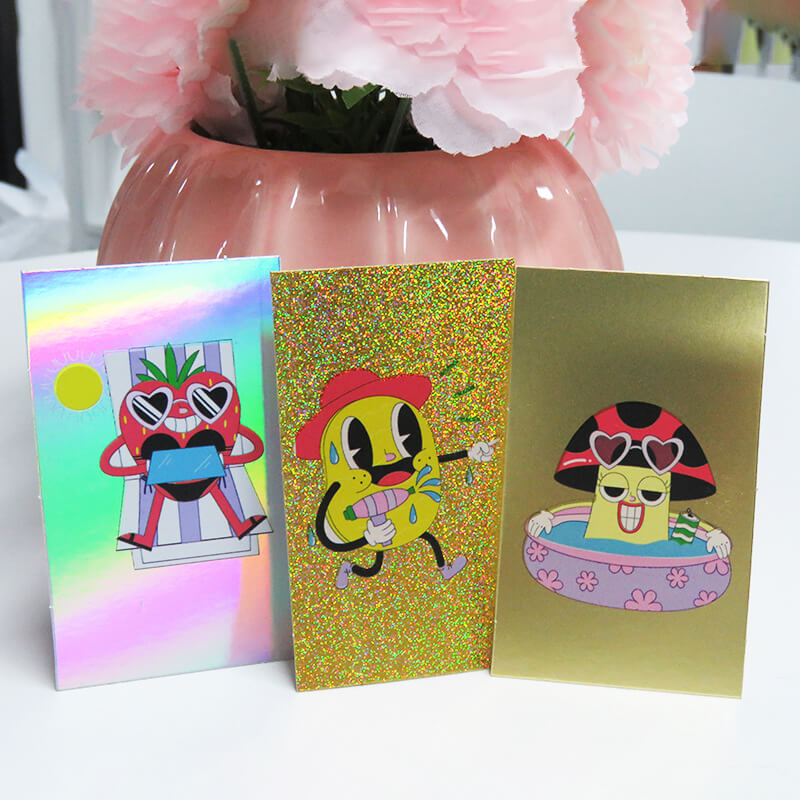
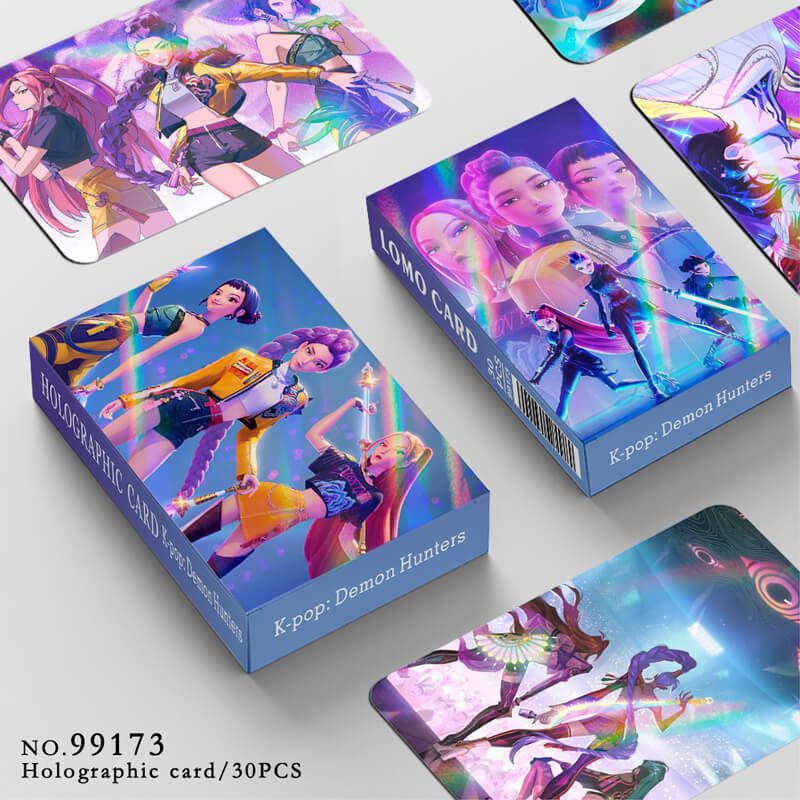
Custom Printed Holographic Cards Show
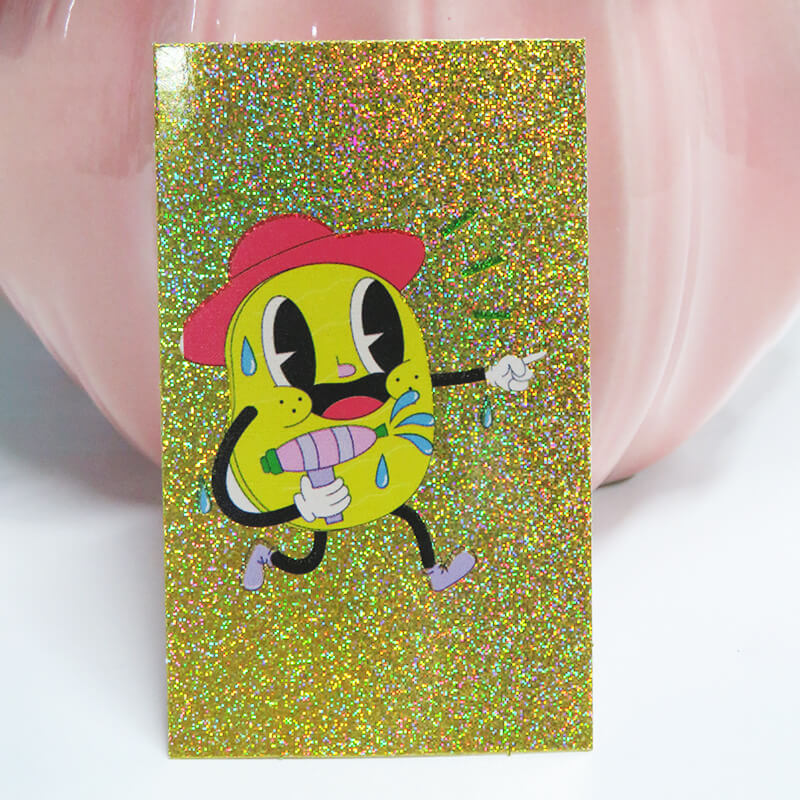
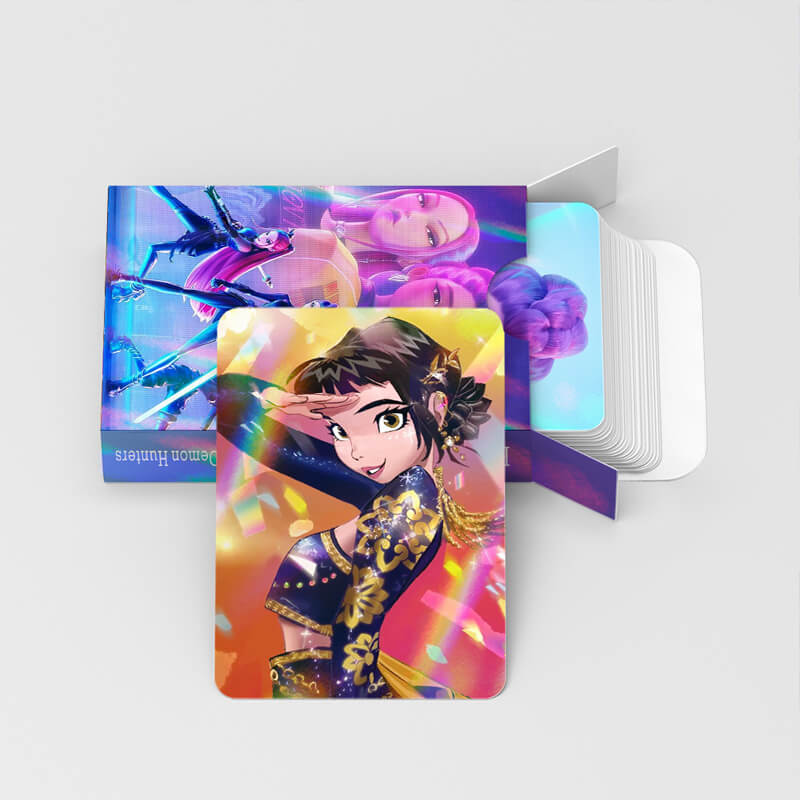
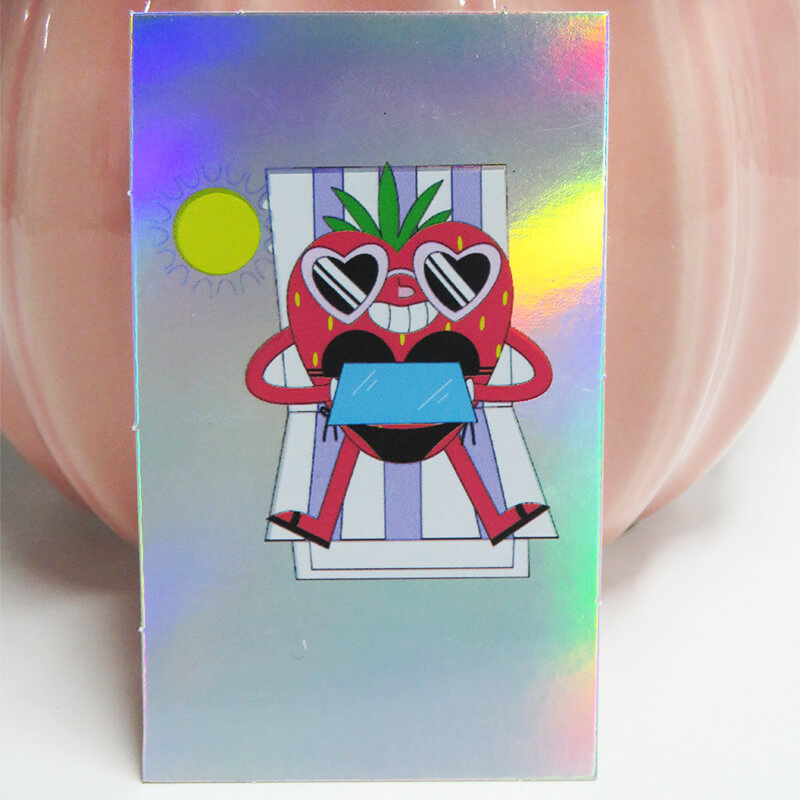
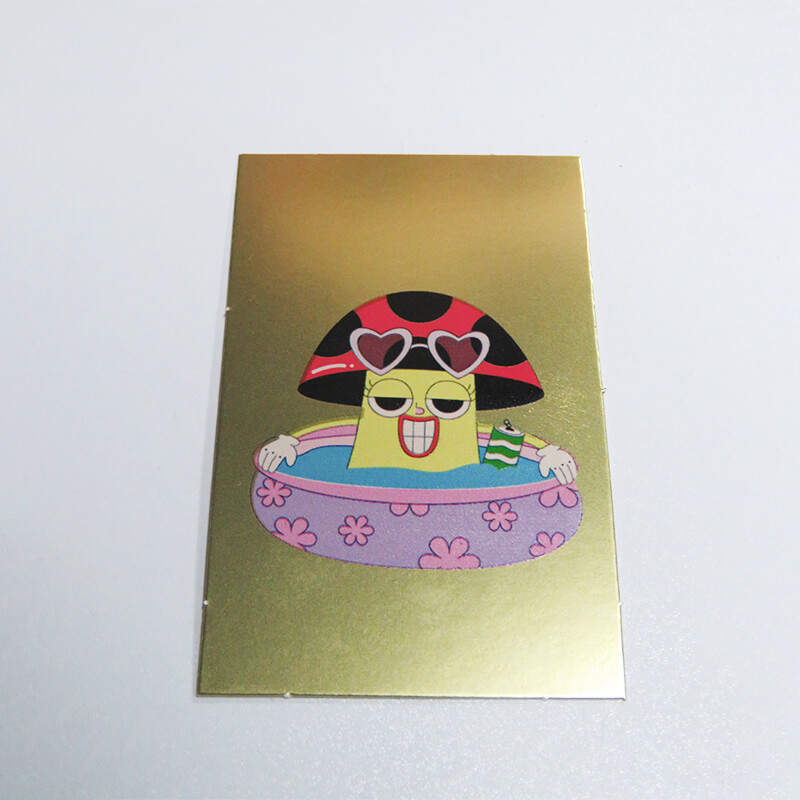
How to print holographic cards ?
- Preliminary Preparation: Confirm the graphic design (compatible with the holographic pattern) and prepare the holographic substrate (Paper/PVC/PET, etc.). Wipe the card surface with alcohol and a dust-free cloth to remove impurities.
- Edit the image or text to be printed on your computer.
- Direct Printing automatically: Secure and calibrate the substrate, then initiate the print job directly in the software.
- The card is printed.